Free Reporting Tool Pentest Reporting on Your Own Server, Free and Open Source.
Pentest management with your clients, engagements and the testing calendar, findings and sections the way your firm writes them, AI that drafts them from your evidence with your own prompts and your own key, and a finished report from the built-in PDF or your own Word template. Everything is kept in the database beside it, and it is yours under the AGPL.
One Command, Then You Are In.
The installer checks Docker, downloads the latest release, makes your settings with new secrets and starts the reporting tool beside its own PostgreSQL. On a desktop it then opens your browser on the first-run page with the setup code filled in, and on a server it prints the address and the code. There you add your firm's name, make the first administrator account and set up your authenticator app. Your logo and colours go in Settings.
curl -fsSL https://pental.io/report/install.sh | shIn Terminal. Install Docker Desktop and open it once first, on to its main screen: skip signing in, or create an account.
Install it on any computer in your Tailscale network, and your team opens it from their own computers at that computer’s private address, over HTTPS. Nothing is opened to the internet and there is no domain to set up. Already installed? The same command shares it, with your data as it is.
curl -fsSL https://pental.io/report/install.sh | sh -s -- --tailscaleOr on a server with a domain of yours, served over HTTPS by Caddy: point the domain at the server first, with ports 80 and 443 open.
curl -fsSL https://pental.io/report/install.sh | sh -s -- --domain reports.yourfirm.com╭──────────────────────────────────────────────────────────── │ Pental Report is installed. │ │ Open http://localhost:8080 │ Setup code prs_e40x9VW54Te-L4sAtPWb2p8OpqCBli4M │ │ The setup code makes you its first administrator. It is also │ SETUP_TOKEN in /Users/you/pental-report/.env. ╰────────────────────────────────────────────────────────────
Updates install themselves. On macOS and Linux the installer offers to set up an updater: a new release then installs overnight, after a copy of the database, or straight away when an administrator presses Update Now. On Windows the app says when a release is out, and the same command updates it: your settings and your data stay as they are. Installer options, installing by hand, backups and the rest are in the README on GitHub
Your Firm's Reporting, Under Your Firm's Brand.
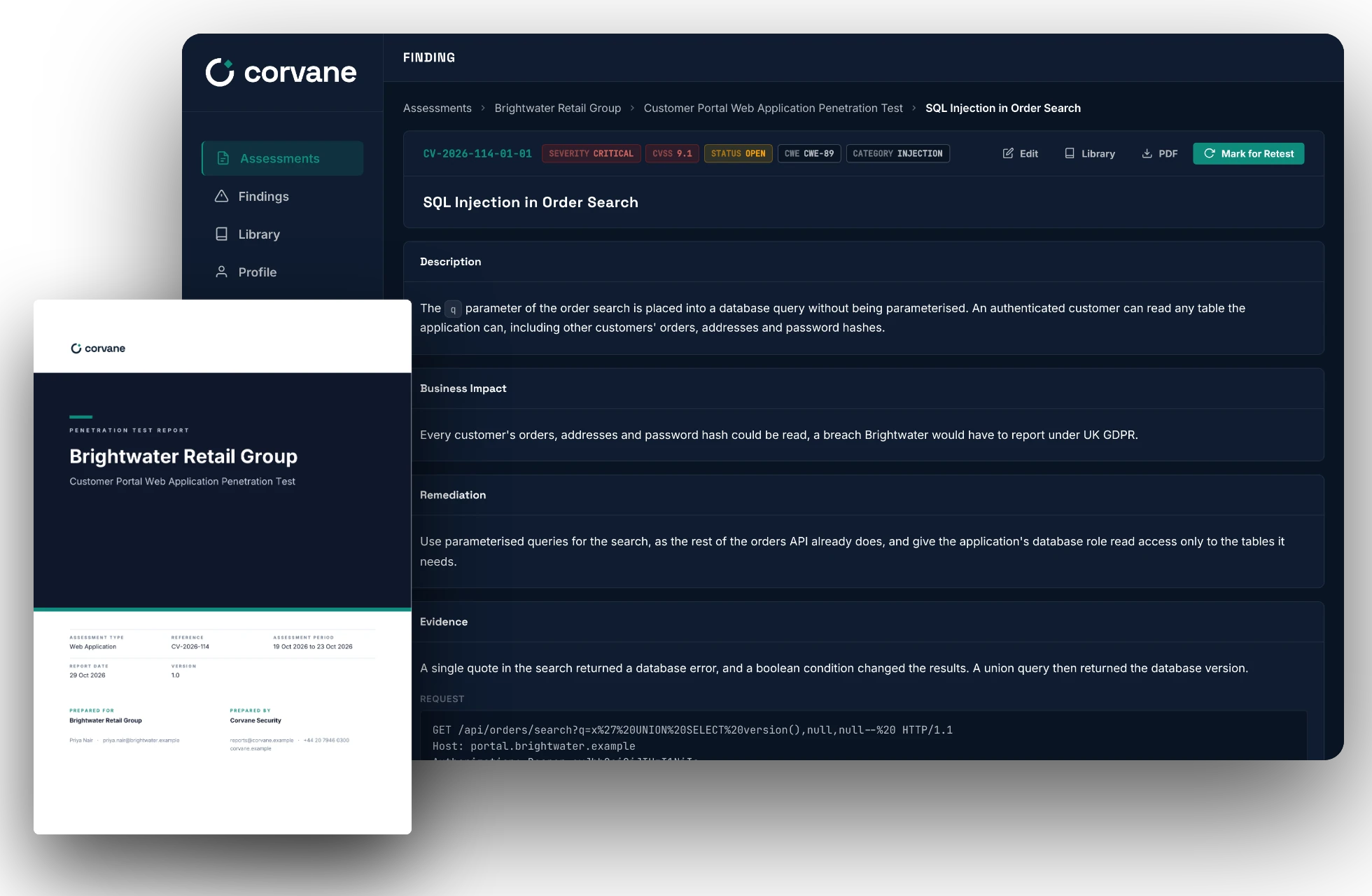
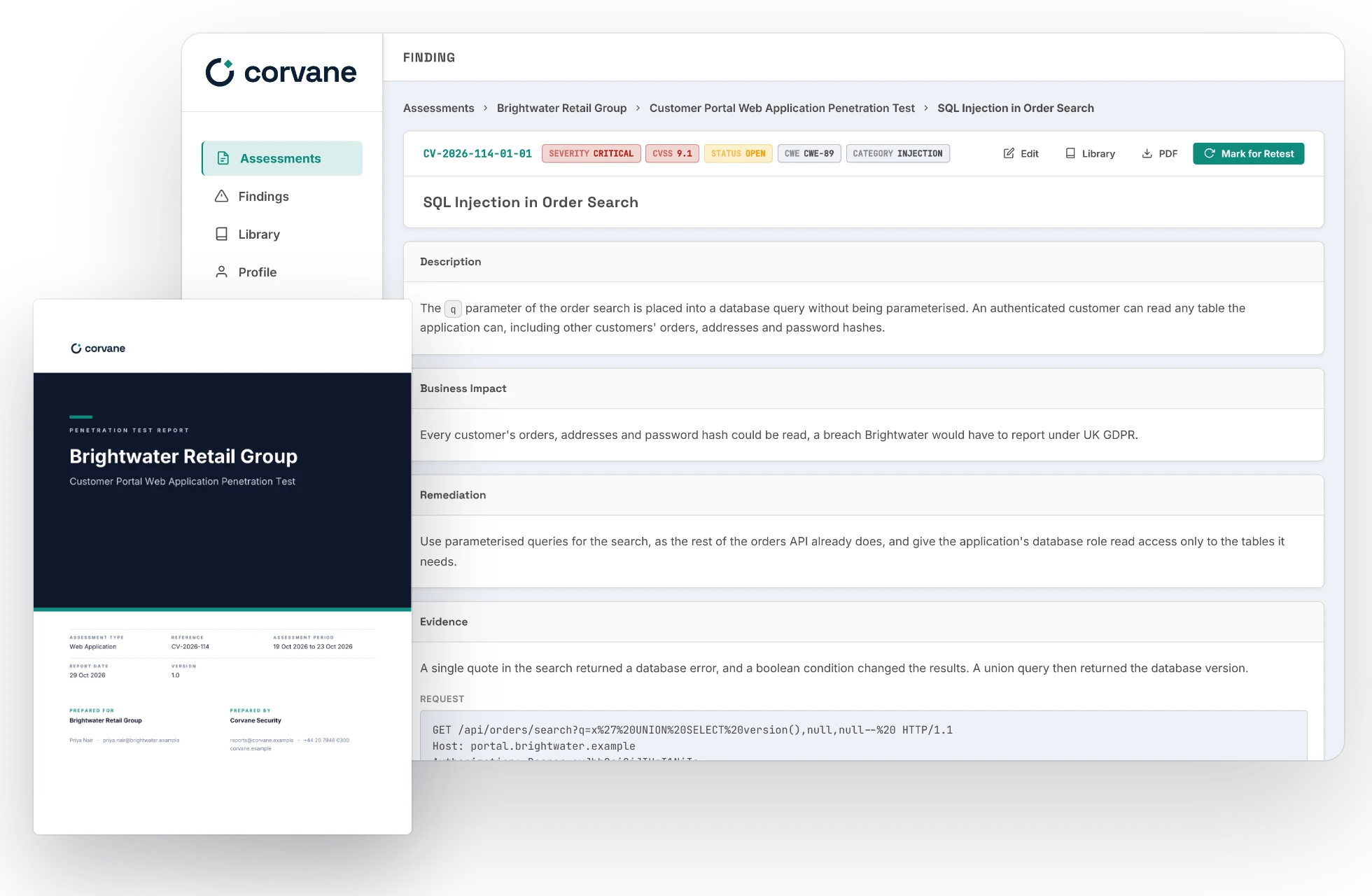
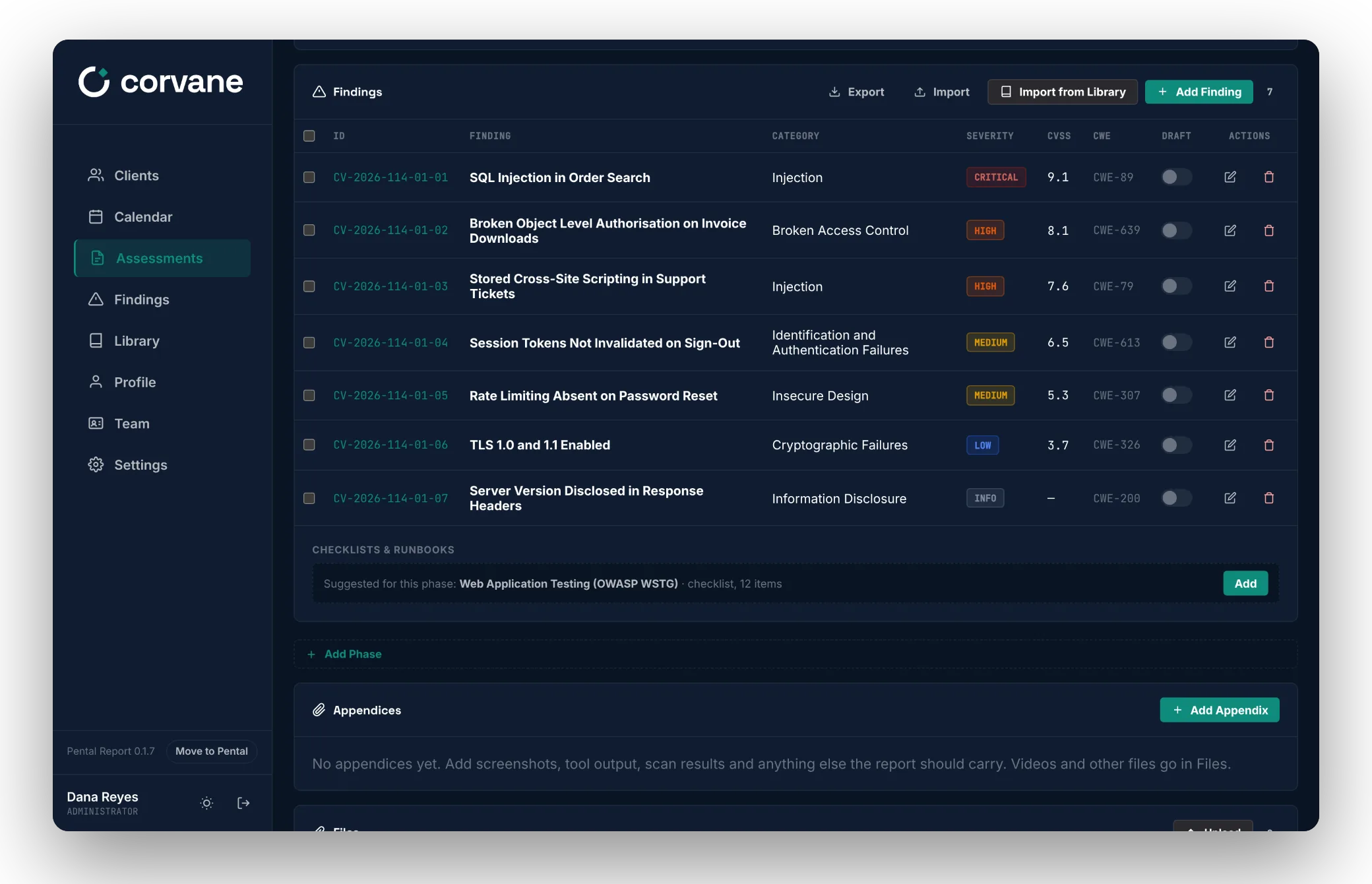
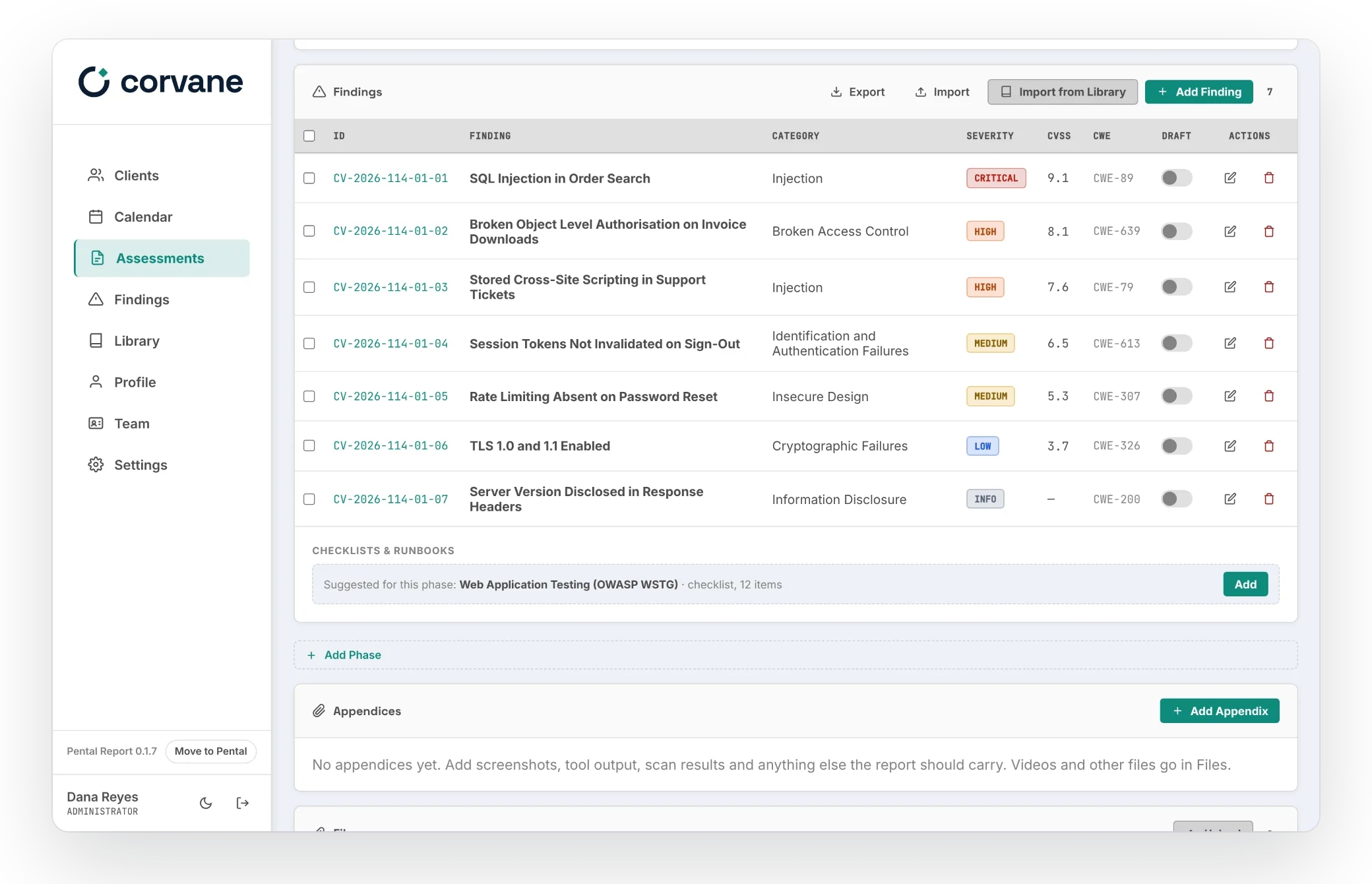
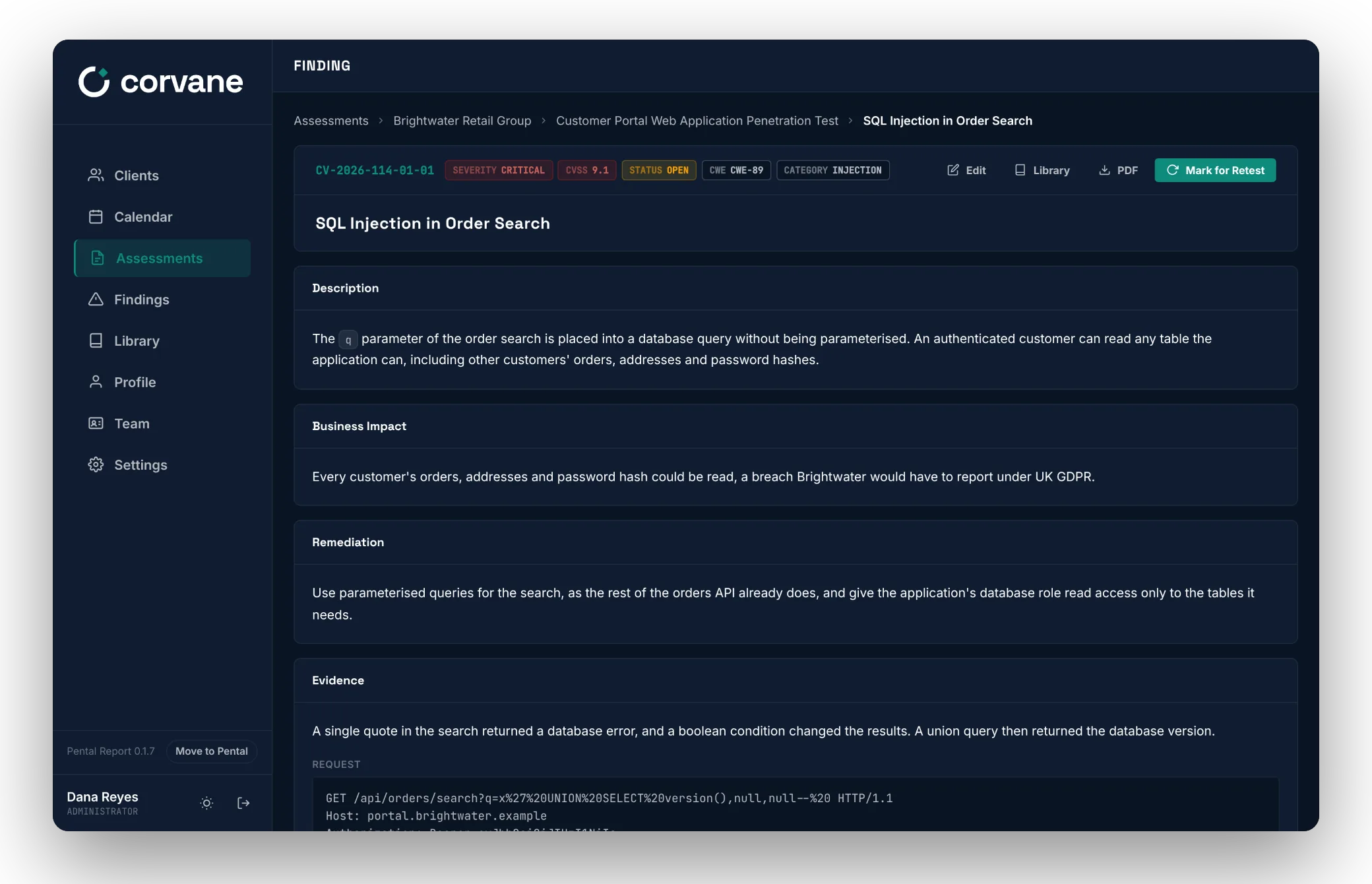
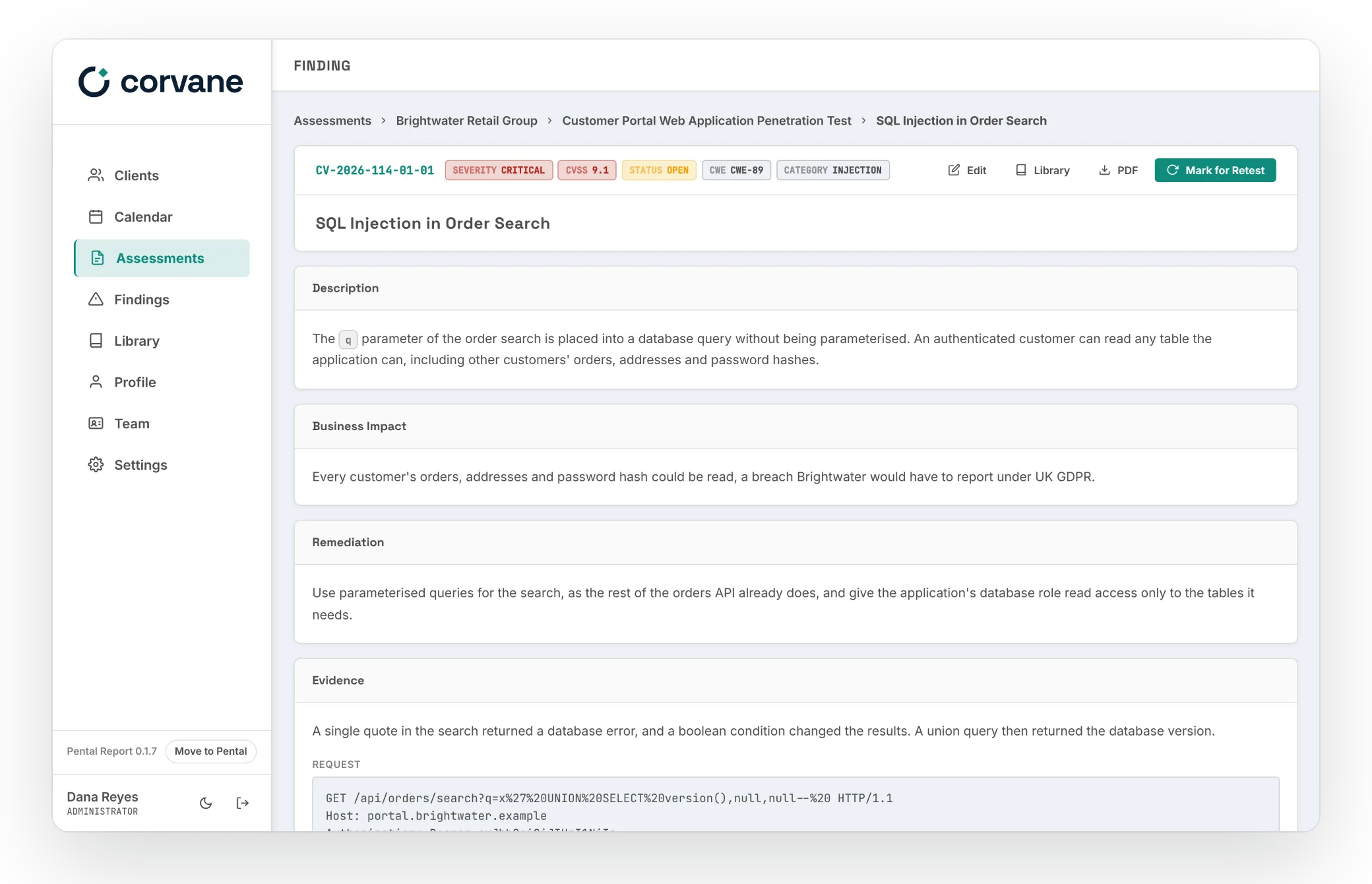
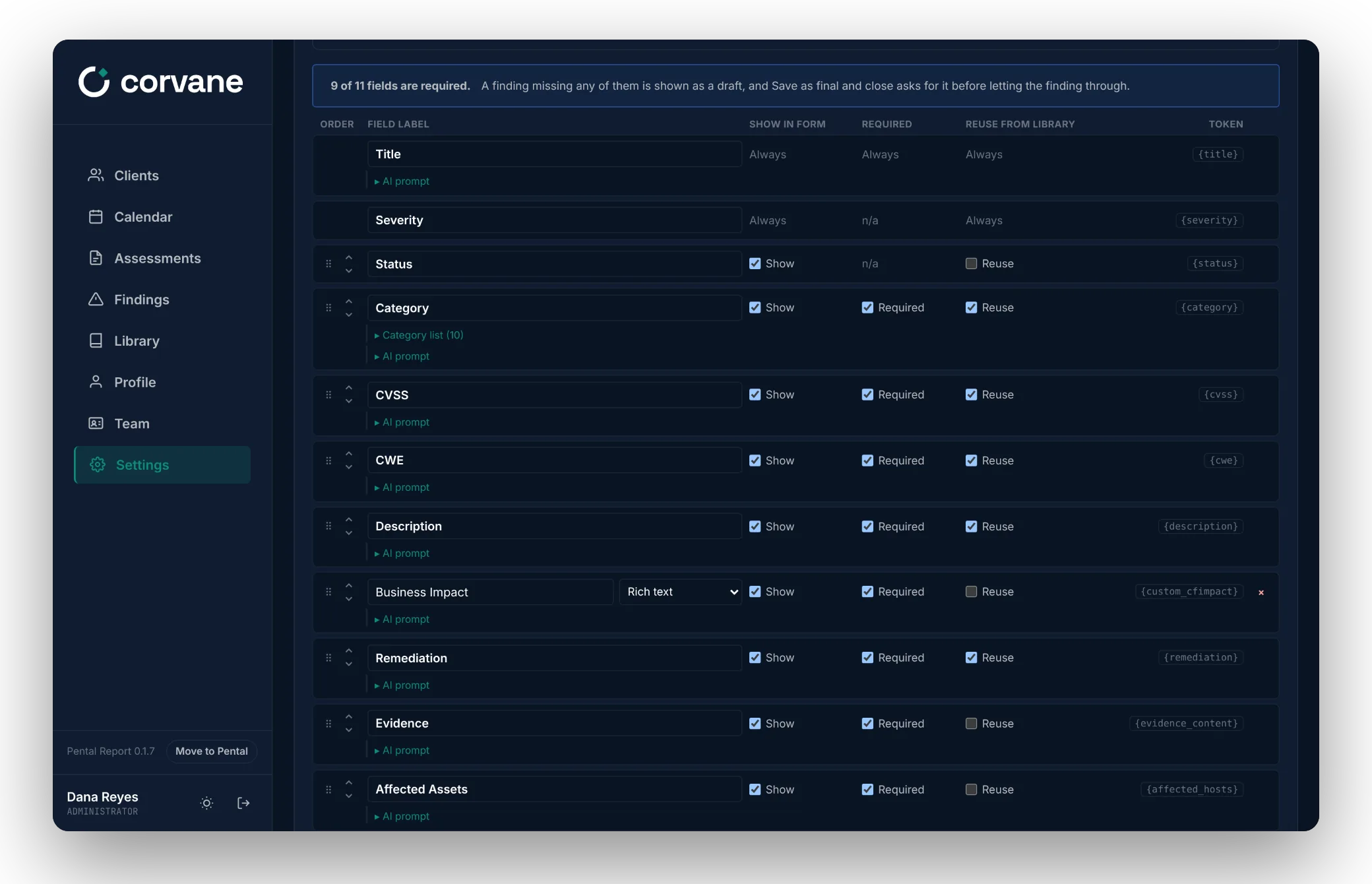
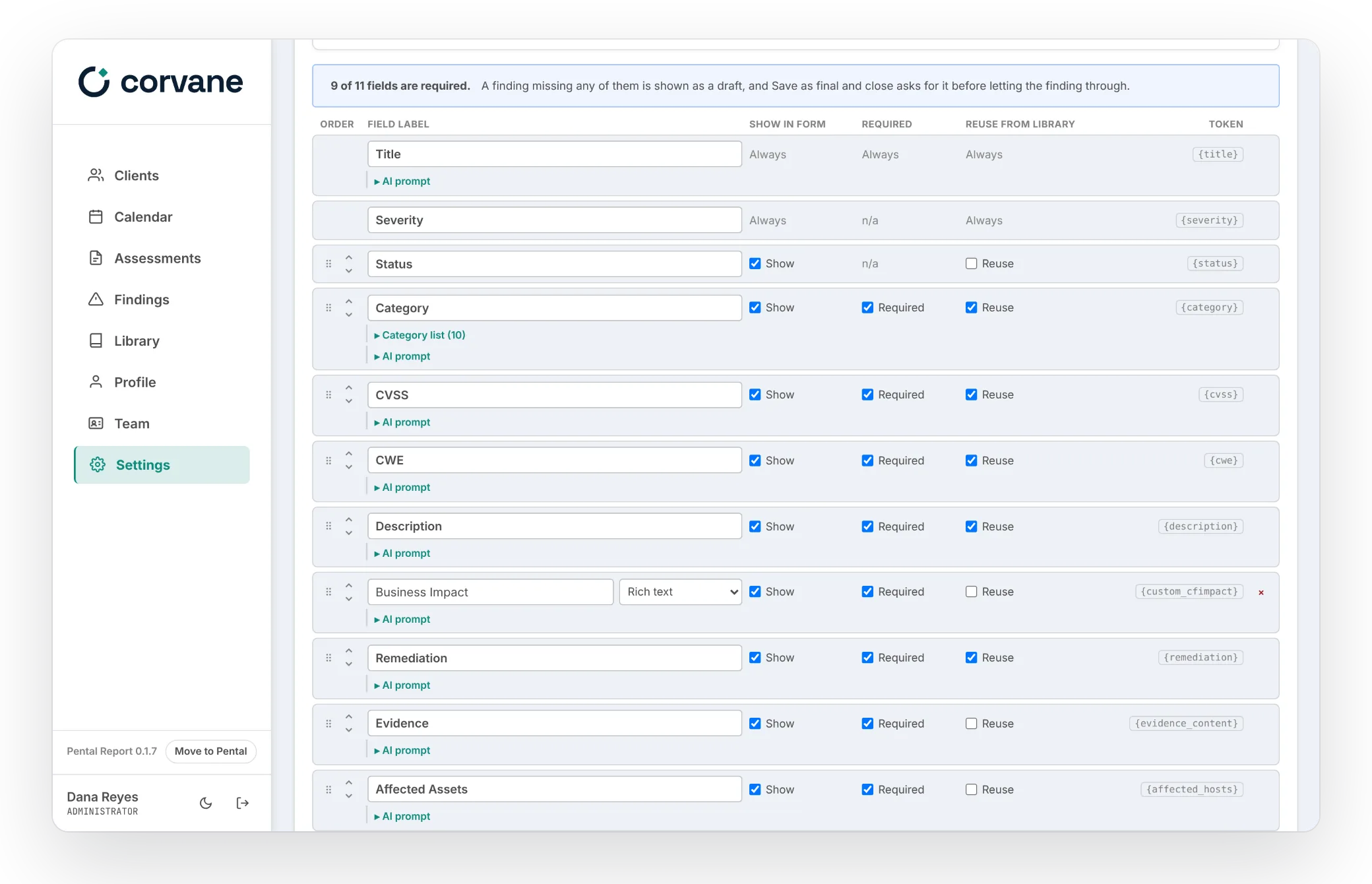
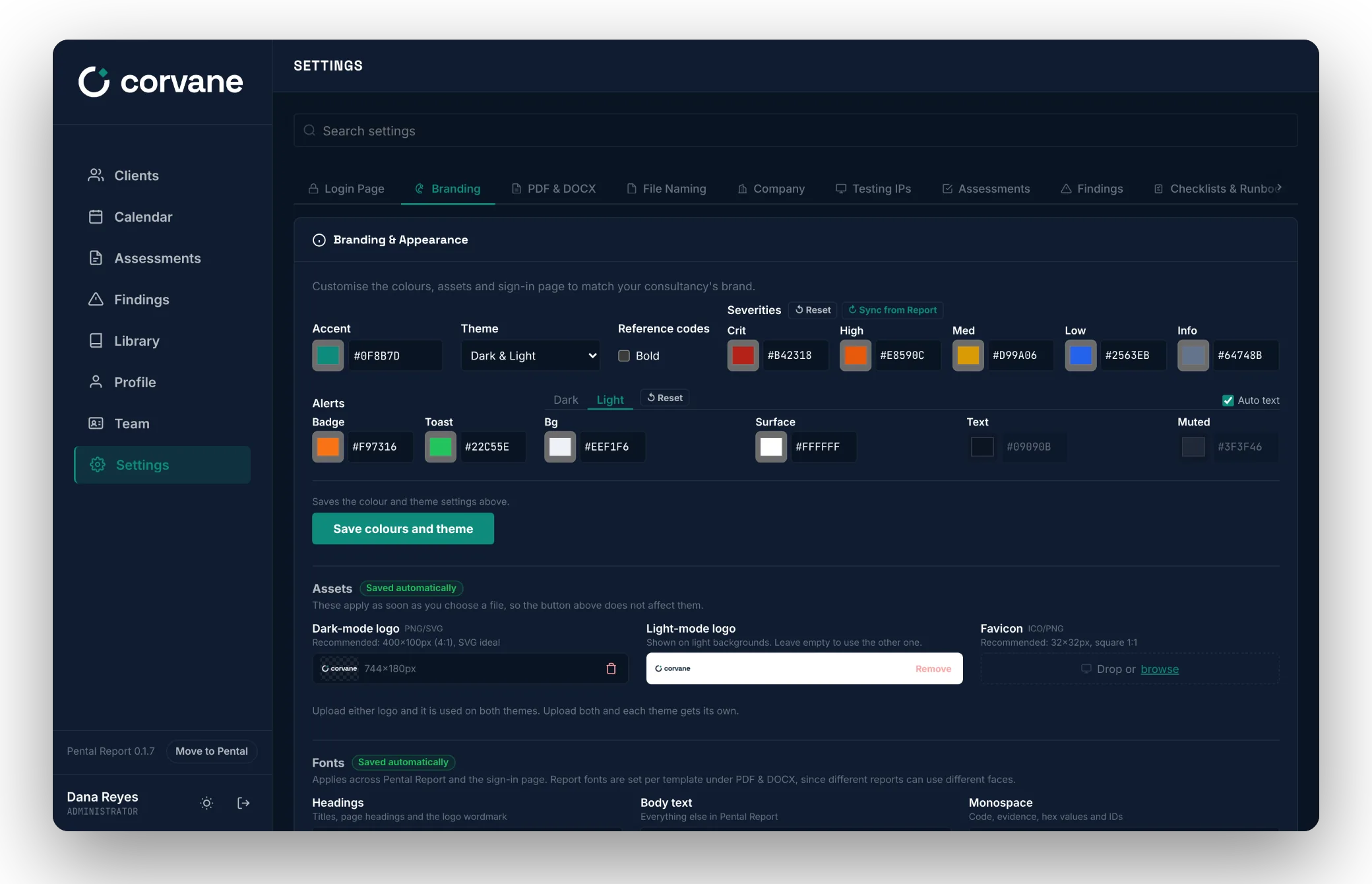
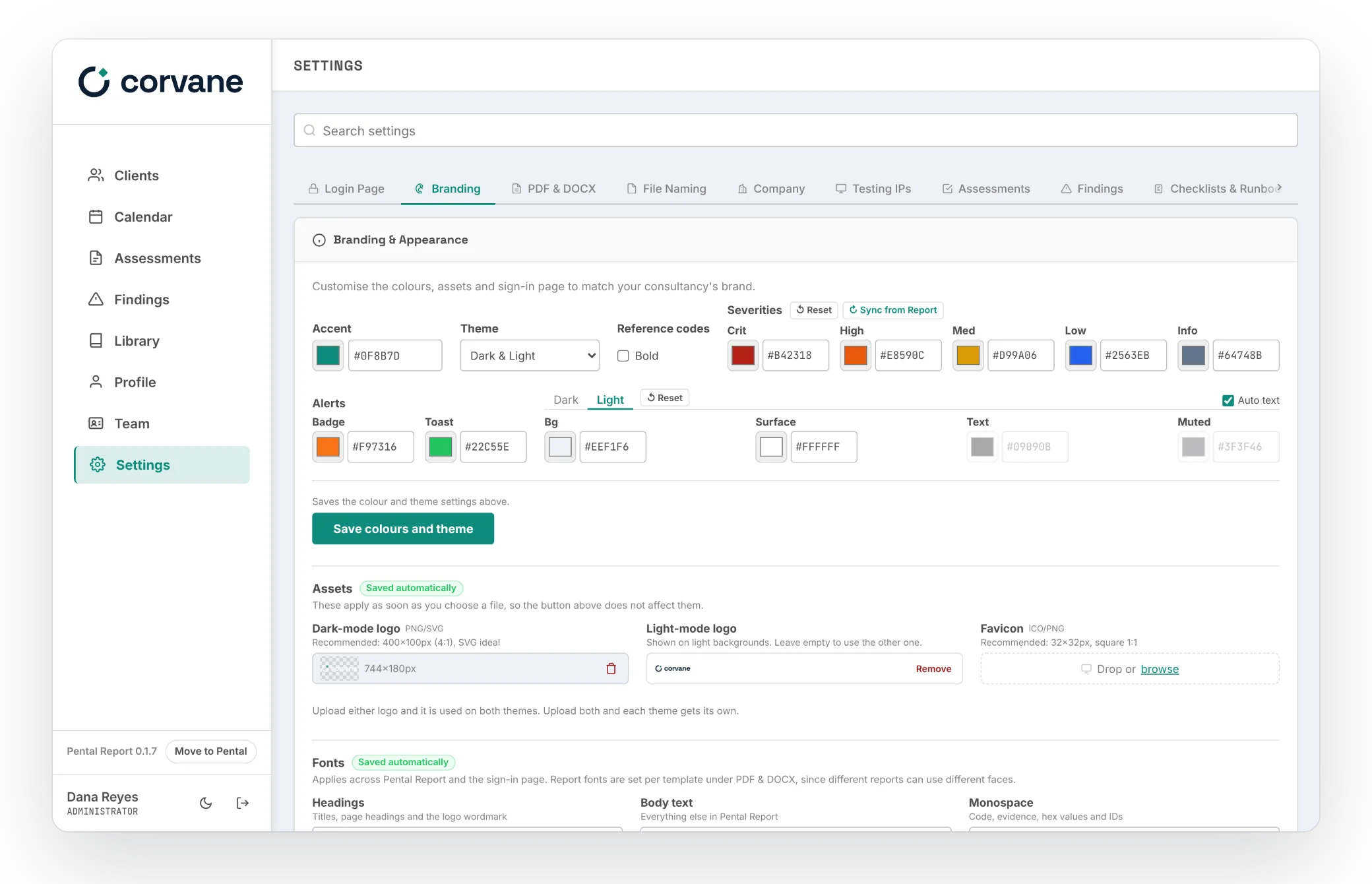
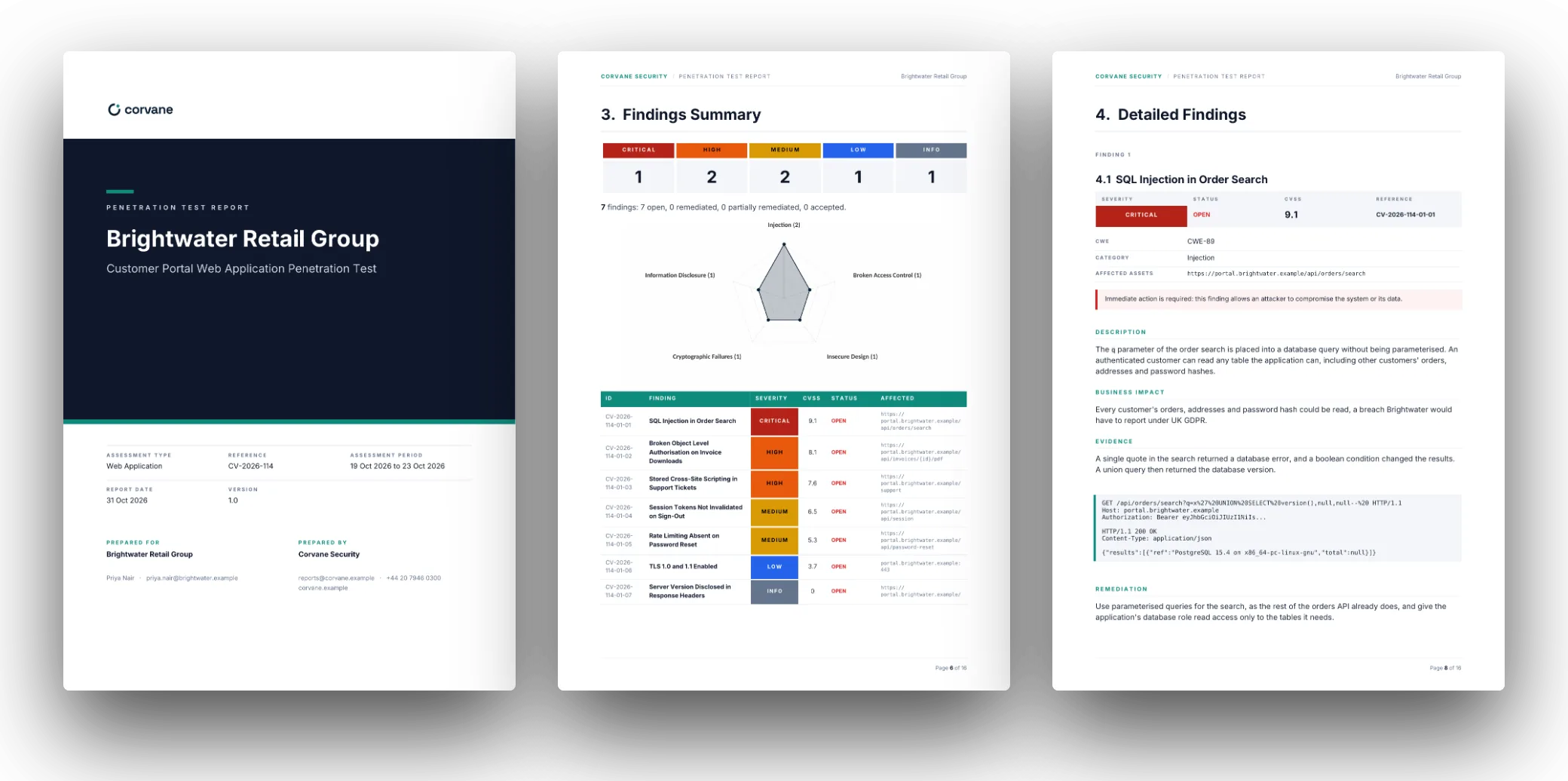
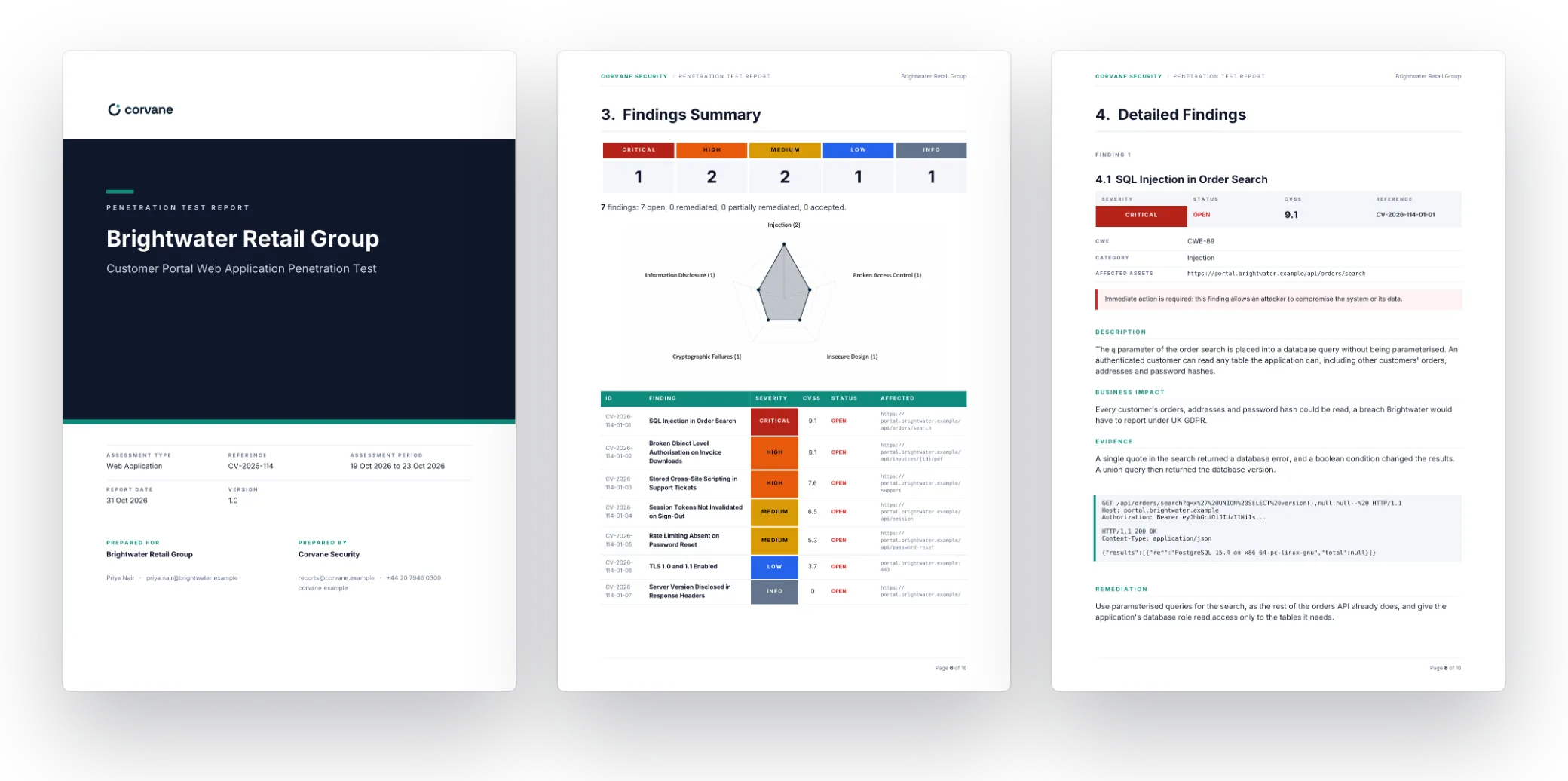
Every picture here is the app itself. Corvane Security is an invented firm: its logo, colours and fonts are set in Settings, Branding, the way yours would be.
From Rough Notes to a Finished Finding, in Your Own Words.
Paste your notes, tool output, requests, tables and screenshots as rough as they were taken, and Generate all turns them into a finished finding. Everything it writes lands in the editor as a draft for a tester to keep, rework or discard, and a field that already has something in it is left as it is.
What Generate All Does, in Order
- 01Explains each piece of evidence, and captions every screenshot when your model reads pictures.
- 02Rewrites your notes as report prose, every value kept and the to-dos left out.
- 03Names the finding, and brings in your library's wording where an entry has the same title.
- 04Drafts the rest: the description, remediation, CVSS vector, CWE, category, affected assets and your own fields, each step using what the ones before it wrote.
- 05Writes the references last, from everything above them. One undo puts it all back.
- A button on every fieldClassify picks the category from your own list, Calculate works out the CVSS vector, the CWE is classified, the description, remediation and your own fields are written, the affected assets are chosen from the scope, and the references are found.
- Tell a field what to changeAdd your own instructions to any field, or pick a ready one, such as Shorter, Plain English or Numbered steps. Only that field is rewritten, one click puts it back, and the instructions you keep are offered again next time.
- Explain evidenceOn its own: a line above each screenshot, request, block of code, output or table saying what it shows, and a caption under each screenshot, with a model that reads pictures.
- Summaries and sectionsThe executive and retest summaries are drafted from the findings in the assessment, in the structure you set, and sections of your own from prompts of their own. Retest evidence is explained the way a finding's is.
- The library tooA library entry is drafted the same way, from its title.
Every Prompt Is Yours
Every field and section the AI writes, built-in or your own, has a prompt of its own, under Settings, Findings and Settings, Assessments. Rewrite each in your firm's voice: how a description opens, what a remediation covers, how much a summary says. Reset to default puts the built-in prompt back.
Every Feature, Free.
For as many people as you like, on your own server.
The Built-in PDF, or Your Own Word Template.
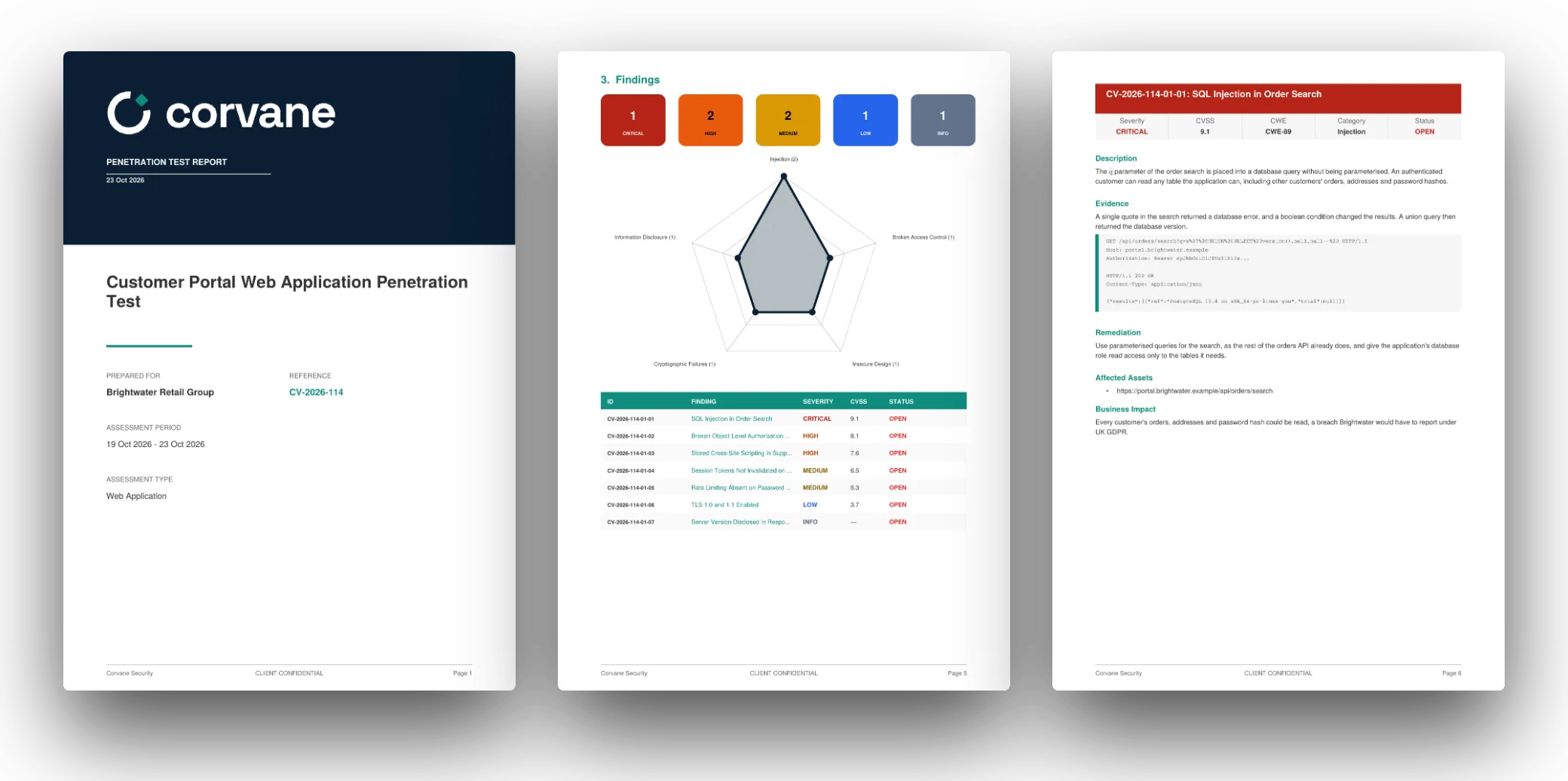
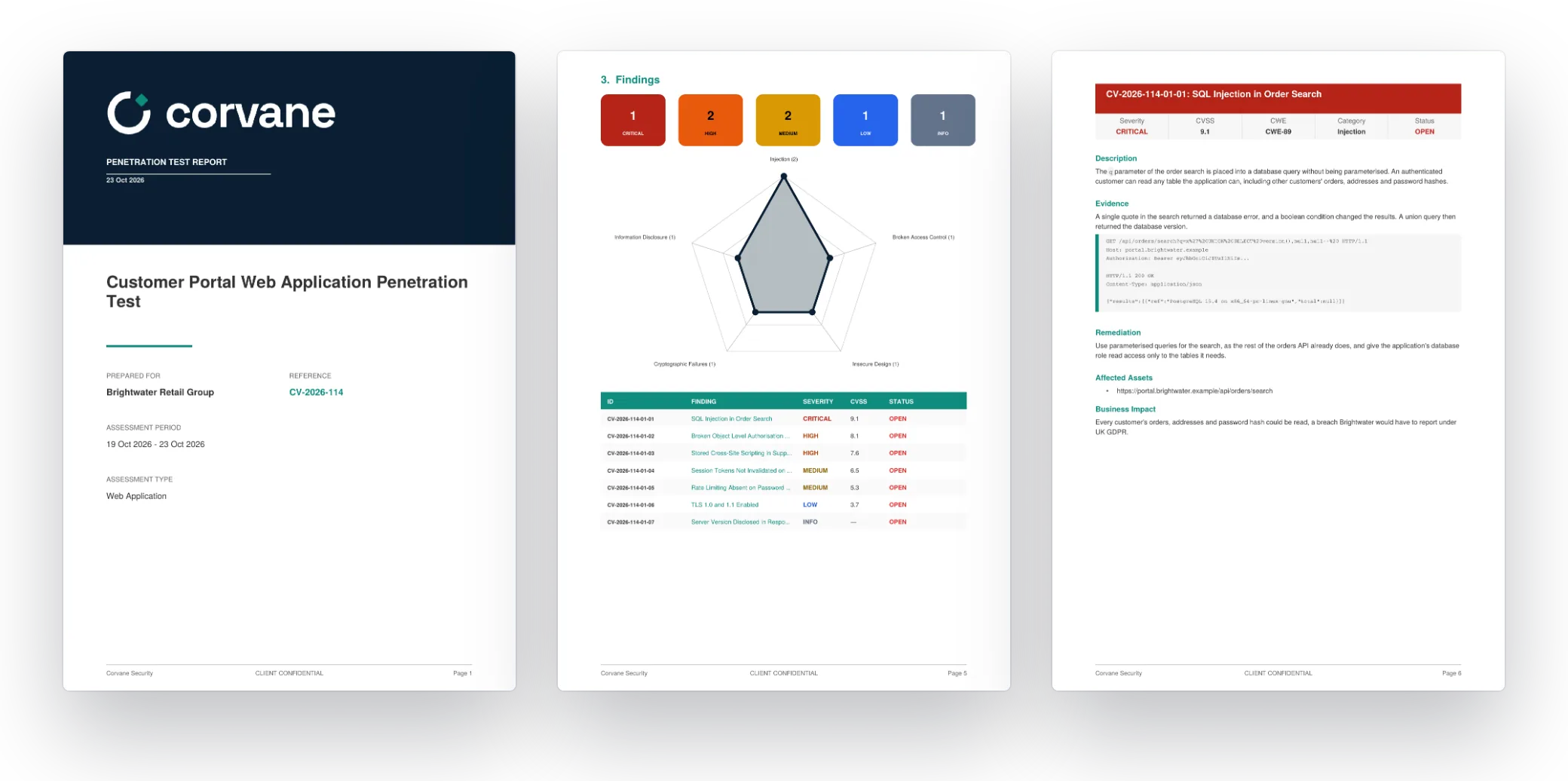
The built-in PDF is styled from your settings: your logo and colours on the cover, a contents page, a severity summary and chart, every finding and your appendices.
Your Own Word Template
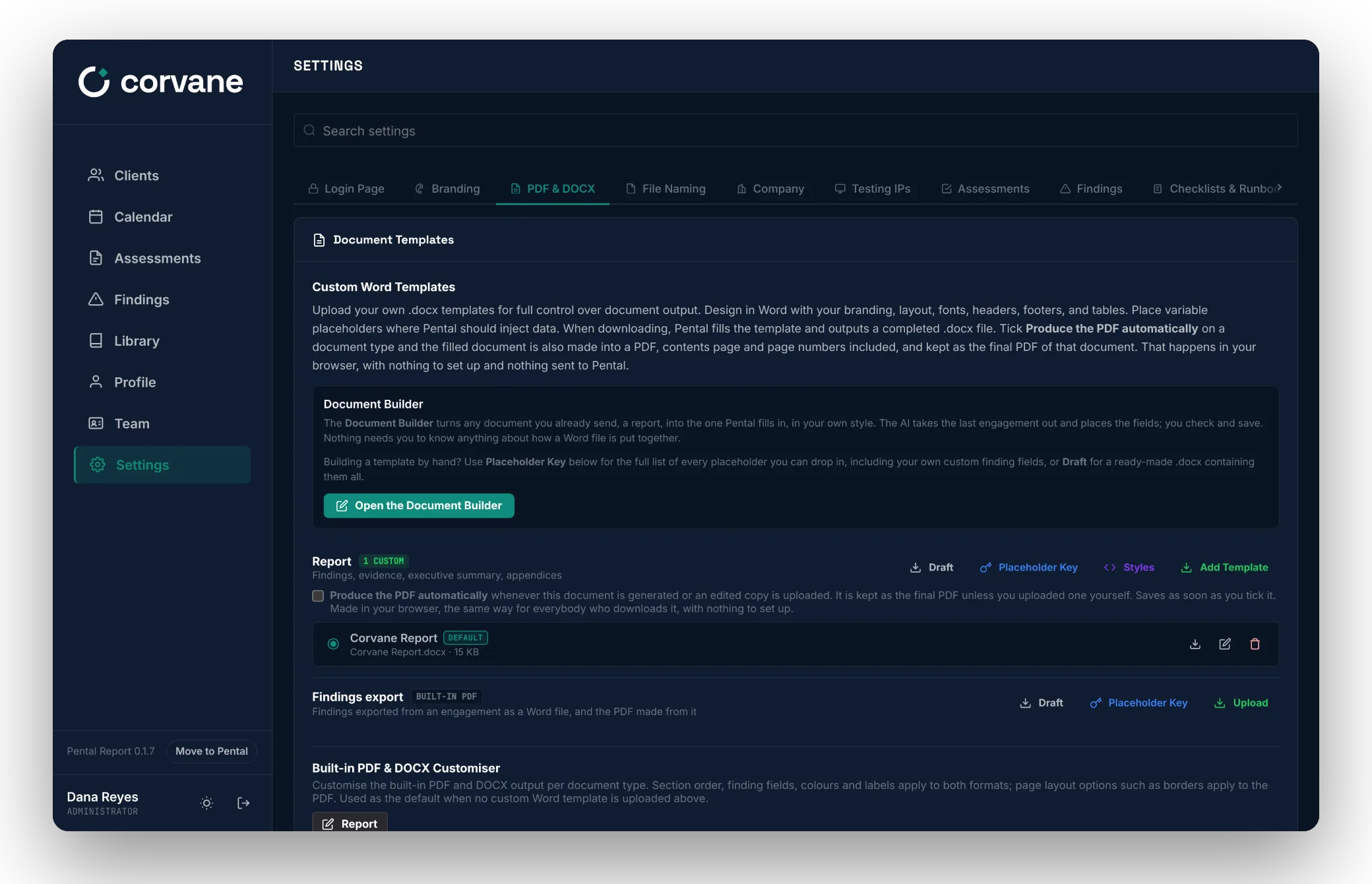
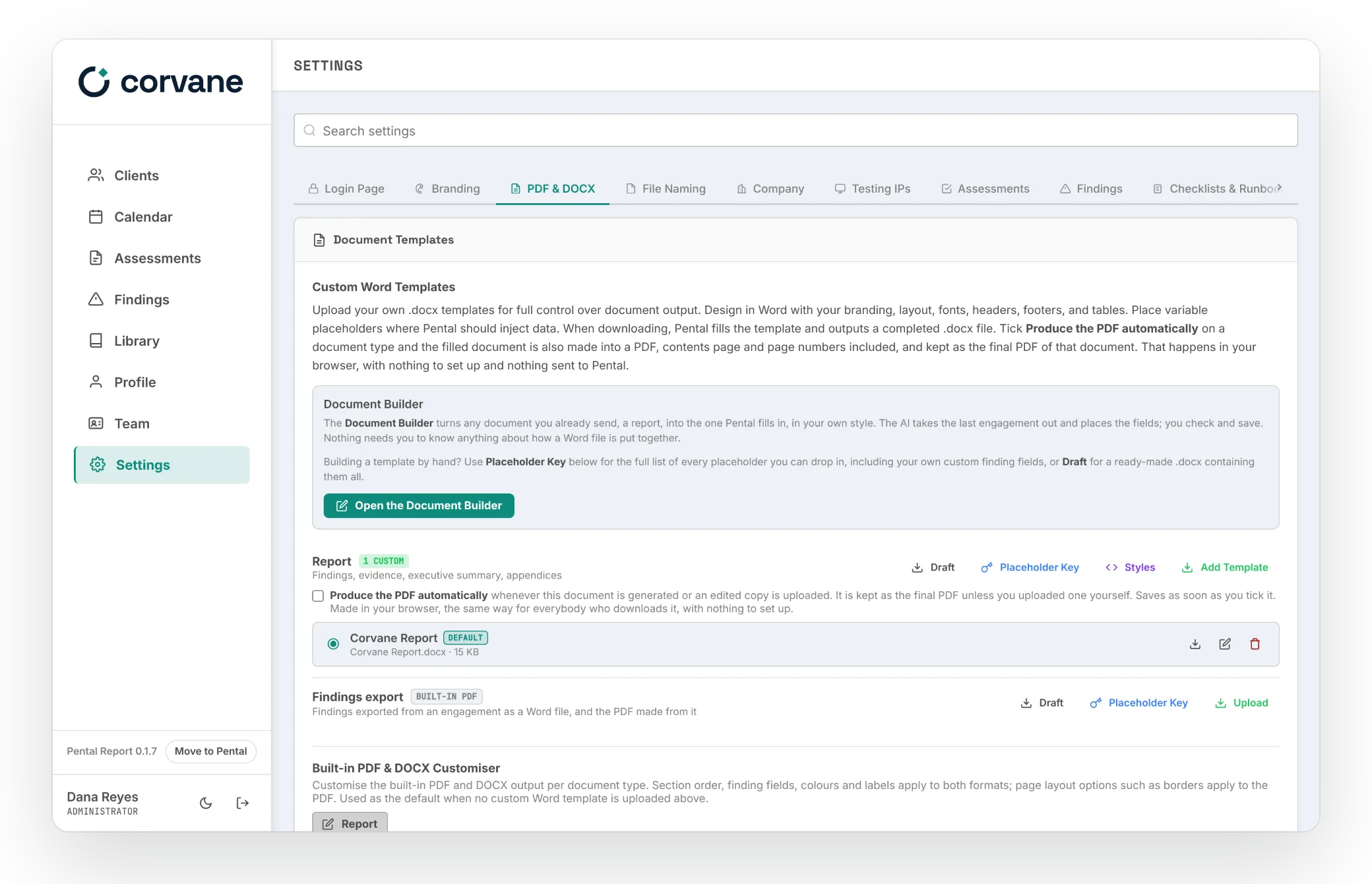
Upload a .docx under Settings, PDF & DOCX, and every report is your template filled in, as a Word document, with the PDF made from it in your browser if you like. Start from the Draft, a ready-made template in your colours with every placeholder in it, your own fields included, or let the Document Builder turn a report you already send into one: its AI places each placeholder for you to check and save. The Placeholder Key lists everything you can place. Edited in Word, or sent round for review with Track Changes on, the file comes back in: every change, tracked change and comment is shown before anything is written.
The Free Tool Is the Reporting. The Portal Is All of Pental.
The reporting tool is free, and you run it. The Portal is Pental itself, run for you on your own database and domain, under your brand, priced per tester.
Everything Comes With You.
When you want the Portal, Move to Pental, at the foot of the tool's sidebar, walks you through it. Your team, clients, assessments, findings, library, fields, sections, prompts and templates arrive as they are.
- 01Download everything from the reporting tool: one file with your records and uploaded files.
- 02Start a Pental trial. Free from the day your portal goes live, with no card required.
- 03Choose the file in your portal's setup, at Bring Your Data Across. It arrives whole.
Questions About the Reporting Tool.
Yes. Our reporting tool is free and open source under the GNU Affero General Public License v3.0. Install it on as many servers as you like, for as many people as you like, and change it if you want to. If you run a changed version for others to use over a network, the licence asks you to offer them its source.
A computer or server with Docker: Docker Desktop on a Mac or a Windows PC, or Docker Engine on Linux, which the installer can set up for you. One command downloads the latest release, makes its settings with new secrets and starts it beside its own PostgreSQL database.
Yes. Upload your .docx under Settings, PDF and DOCX, and every report is your template filled in as a Word document, with the PDF made from it in your browser if you like. Start from the ready-made Draft in your colours, or let the Document Builder turn a report you already send into a template.
It drafts a finding from your evidence: it explains the evidence and, with a model that reads pictures, captions it, rewrites your notes as report prose, then writes the title, description, remediation, CVSS, CWE, category, affected assets, your own fields and the references. It drafts the executive and retest summaries, and rewrites a field to an instruction of yours. Every field and section has a prompt you can rewrite. It runs on your own key with Anthropic, OpenAI, Groq or a compatible endpoint, or on a model on your own hardware through Ollama.
In the PostgreSQL database that runs beside it, on your own server: assessments, findings, your library, settings, templates and uploaded files, or files in an S3-compatible bucket you choose. Nothing is sent to Pental. Three things reach outside: the AI provider you choose, with your own key, when you use AI; the Word-to-PDF engine, fetched into your browser when you make a PDF from a Word template, with your document never uploaded; and a check with GitHub for the latest release twice a day, which carries only the version it runs and can be turned off.
On macOS and Linux it updates itself: the installer offers to set up an updater, and a new release then installs overnight, after a copy of the database, or straight away when an administrator presses Update Now in Settings, Updates. On Windows, the app tells its administrators when a release is out, and running the install command again updates it. Either way your settings and data stay as they are, the database is brought up to date when it starts, and a full backup of your records and files is one download in Settings whenever you want one.
Yes. Move to Pental, at the foot of the sidebar, walks you through it: download everything in one file, start a Pental trial, and choose the file in your new portal’s setup, or later under Settings, Data. Your team, clients, assessments, findings, library, fields, sections, prompts and templates arrive as they are.
Install the Reporting Tool, Free.
One command on a Mac, a Windows PC or a Linux server. When your clients want a portal of their own, everything moves to Pental with you.